Why personal mobiles stop working.
Every small business starts the same way: the founder’s personal mobile becomes the company phone. It works — until it doesn’t. Clients call at 10pm. The number you printed on a thousand flyers is the same one your kid’s school calls. You hire your first employee and realize you can’t exactly hand them your personal phone.
The traditional fix was a landline and a PBX box in a closet — thousands of dollars, a technician, and a contract. The modern fix is a virtual number: a business identity that lives in the cloud, rings the right people, keeps business hours, and never confuses your personal life with your professional one. It costs a fraction of the old way and sets up in an afternoon.
One number, a whole phone system.
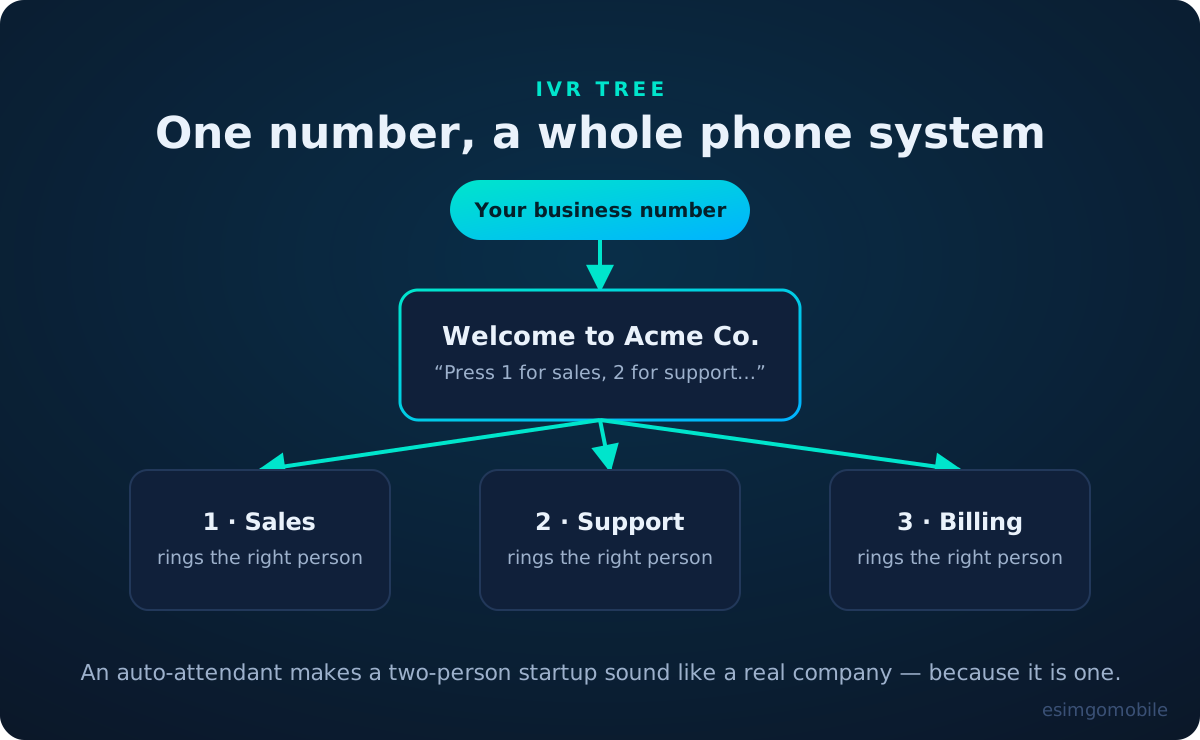
The single highest-leverage feature of a virtual business number is the auto-attendant — the “press 1 for sales, 2 for support” menu. It does three jobs at once: it routes callers to the right person without a human receptionist, it signals that you’re an established operation, and it filters out the calls that never needed a human at all (hours, address, “are you open”).
Keep the menu ruthlessly short. Three options is the sweet spot; every option you add is friction for the caller and a branch you have to maintain. Record the greeting in a quiet room, smile while you talk (callers can hear it), and always offer “press 0 or stay on the line” as an escape hatch to a human.
Work/life separation that actually holds.
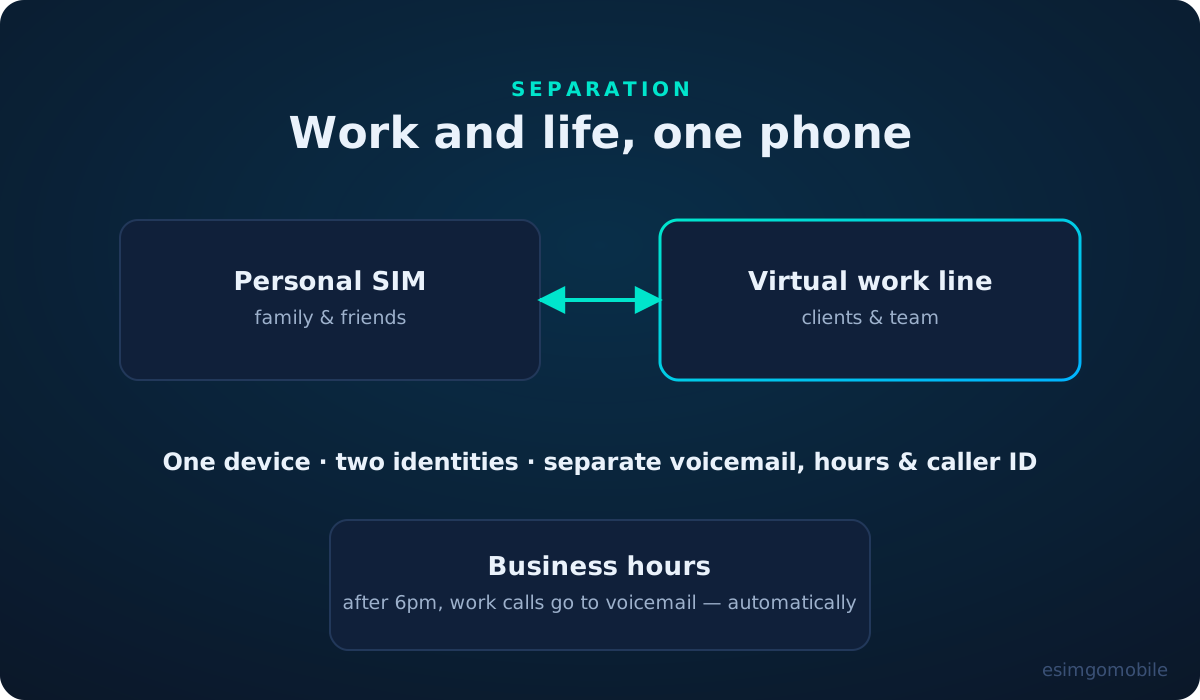
A virtual work line on your personal phone gives you something a second handset never quite does: context. The business number has its own voicemail greeting, its own business hours, its own caller ID on outbound calls. When it rings at 7pm, you see it’s the work line — and your business-hours rule has already sent it to voicemail anyway.
This is the part founders underestimate. The value isn’t “two numbers”; it’s that the business can be closed while the phone is still in your pocket. Clients get a professional voicemail instead of your personal “hey, can’t talk” message, and Monday morning brings a tidy list of who called — not a pit in your stomach.
Never miss a call again.
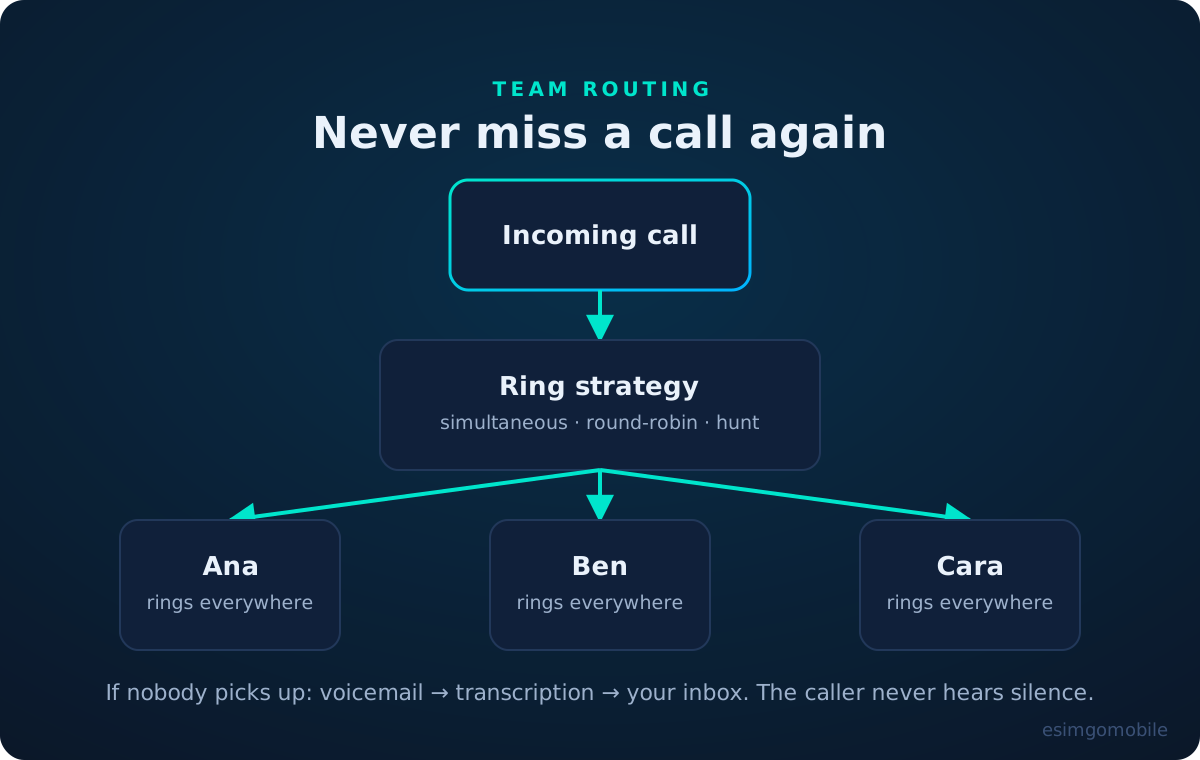
Missed calls are missed revenue — studies of small-business call behavior consistently show that most callers who reach voicemail don’t leave one; they call the next business on the list. A virtual number attacks this with ring strategies:
- Simultaneous ring: everyone’s devices ring at once; whoever picks up first wins. Fastest for tiny teams.
- Round-robin: calls rotate through the team so nobody burns out and nobody gets all the leads.
- Hunt group: tries people in order — the specialist first, then the generalist, then the owner.
- Time-based: business hours ring the team; after hours goes to voicemail or an on-call mobile.
And the safety net underneath it all: voicemail with transcription emailed to you, so even the calls nobody caught become actionable items instead of mysteries.
Local presence, everywhere.
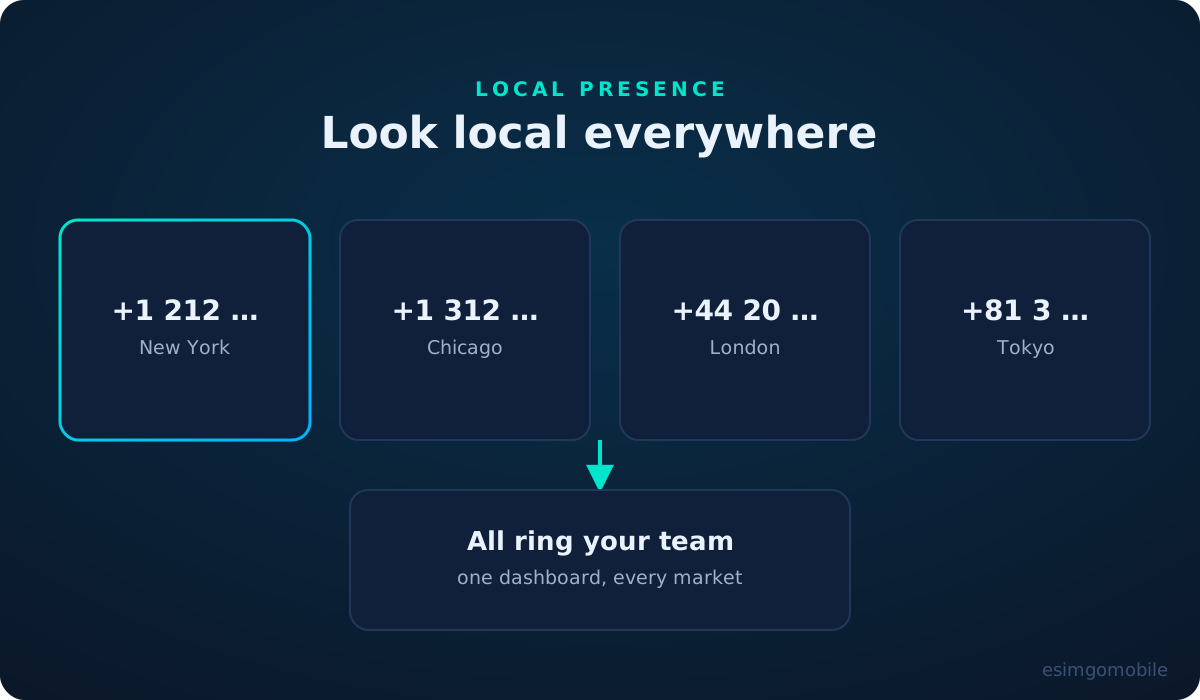
People like calling local numbers. It feels cheaper (it often is), safer, and more accountable than a faceless national line. Virtual numbers let a business in one city hold local numbers in ten — each ringing the same team, each tracked separately so you know which market is calling.
Use this deliberately: a local number on the location page for each city you serve, call tracking per number so your marketing actually knows what works, and greetings that mention the city. It’s the highest-ROI illusion in small-business telephony — except it’s not an illusion, because a local person really does answer.
Launch-day checklist.
In order, no skipping:
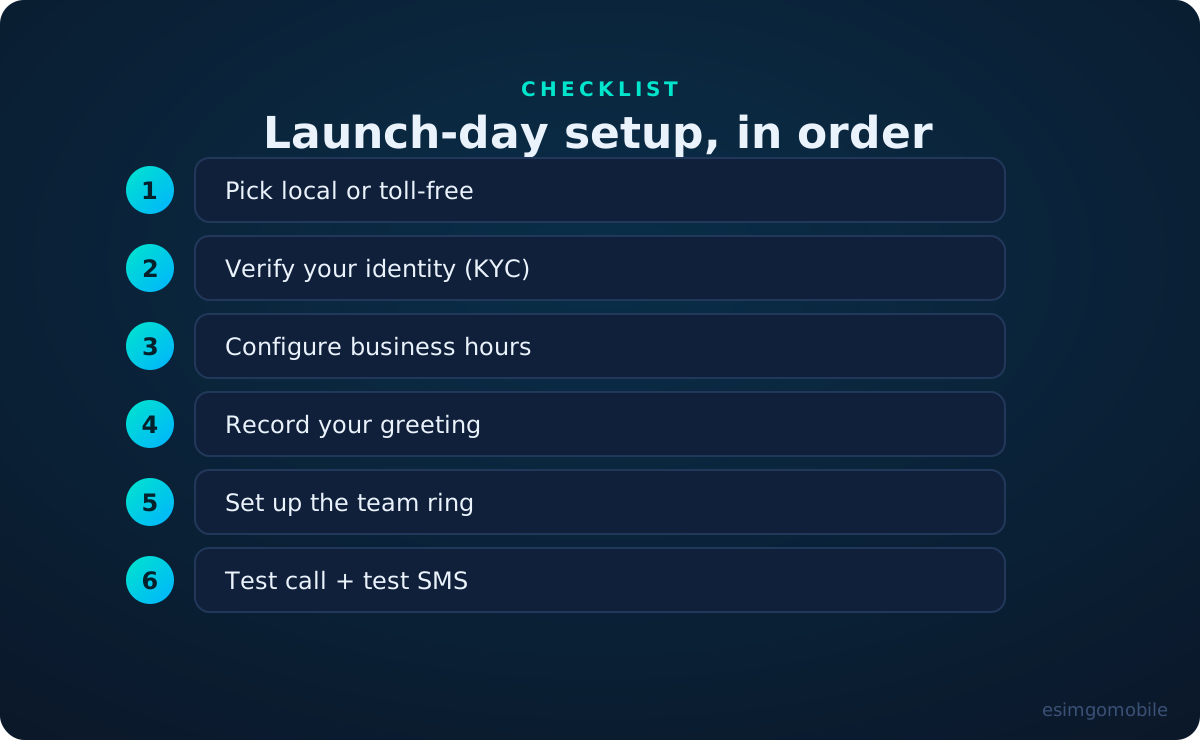
The step people skip is the last one. Call your own number from a friend’s phone. Text it. Call after hours. Leave a voicemail and check the transcription arrives. Fifteen minutes of testing is the difference between “set up” and “working.”
Every call, handled.
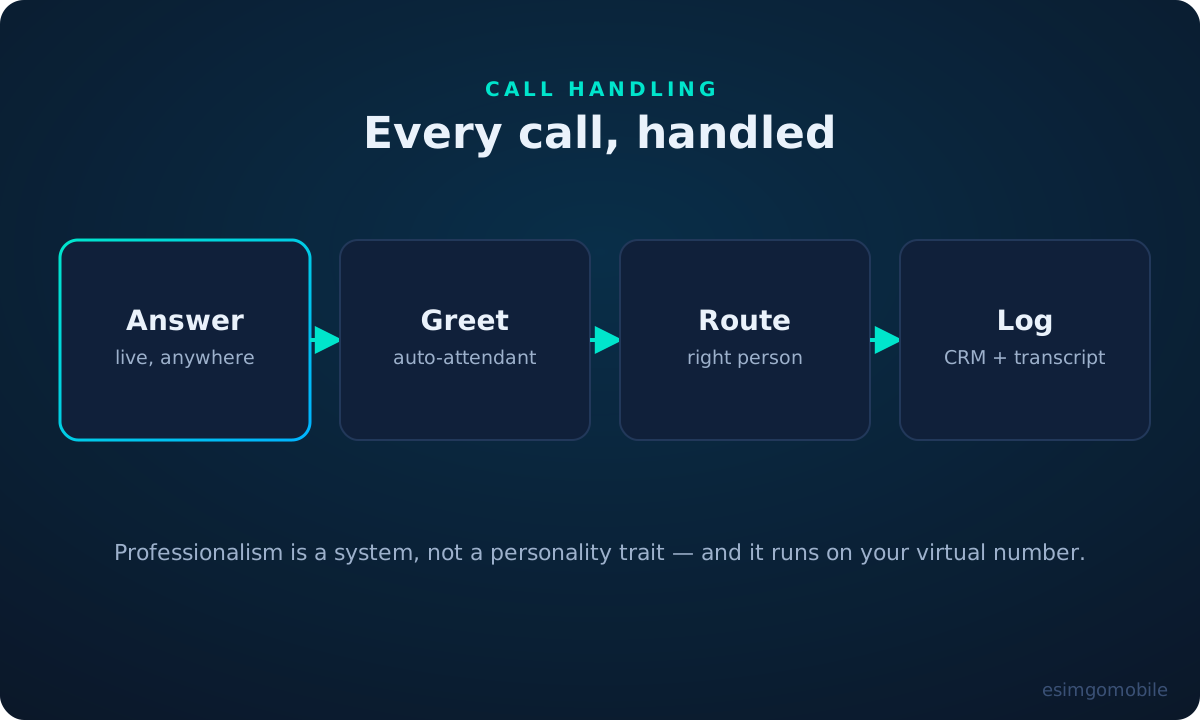
Put it together and the lifecycle of a call to a well-run small business looks like this: the auto-attendant greets, the routing finds the right human, the conversation happens on whatever device they’re on, and the system logs it — recording, transcript and all — where the business can learn from it.
Where esimgomobile fits: virtual numbers with IVR, team routing, business hours and SMS are core to what we’re launching — and Tele Agent, our AI receptionist, answers the calls your team can’t. Get started to get your business number at launch.
Questions, answered.
How much does a virtual business number cost?
Can I use my existing business number?
Do I need special hardware?
Can my whole team share one number?
What about after-hours calls?
Where to go next.
Get your virtual number today.
Virtual numbers are live now — claim yours alongside any eSIM plan.